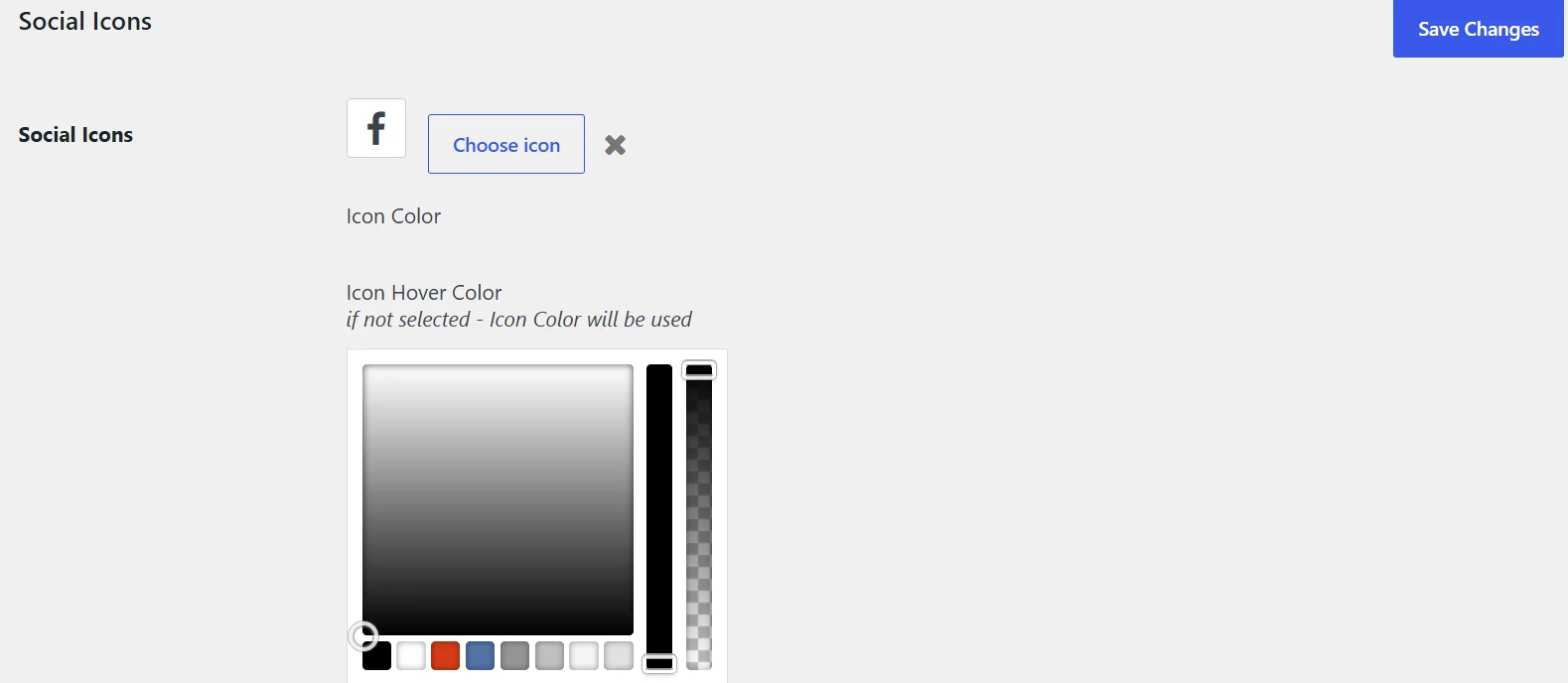
If you are using the Language School theme and trying to update the social icons and keep getting the colour picker popping up and not being able to save the changes this is the fix.
The fix for colour picker in Language School
The issue arises when you to go to wp-admin/admin.php?page=cmsmasters-settings-element and click on the Social Icons taking you to wp-admin/admin.php?page=cmsmasters-settings-element&tab=icon.
Clicking on the Choose Icon button and then trying to add a new icon and clicking save, or trying to update an existing icon. The reason is a JavaScript issue the interferes with the page because it is calling a depreciated WP colour picker and you get wpColorPickerL10n.pick is deprecated since version 5.5.0! Use wp.i18n instead. In the console.
The fix for this is to open the page, press F12 or go to developer tools and paste this in before you try and make changes:
(function($){"use strict";let n=0;$("#new_icon_color,#new_icon_hover").each(function(){const e=$(this),p=e.data("wp-wpColorPicker");if(!p){console.warn("No colour-picker instance found:",this.id);return}$("body").off("click.wpcolorpicker",p.close);p.open=function(){};p.close=function(){};e.iris("hide");const c=e.closest(".wp-picker-container");c.removeClass("wp-picker-active");c.find(".wp-color-result").removeClass("wp-picker-open").attr("aria-expanded","false");c.hide();n++});console.log("Social colour pickers disabled:",n)})(jQuery);
Once you have pasted and pressed enter the colour picker is disabled and it will allow you to save the changes.